
Apps
iOS APPS ▶︎
Decode! Daily
mini-Games
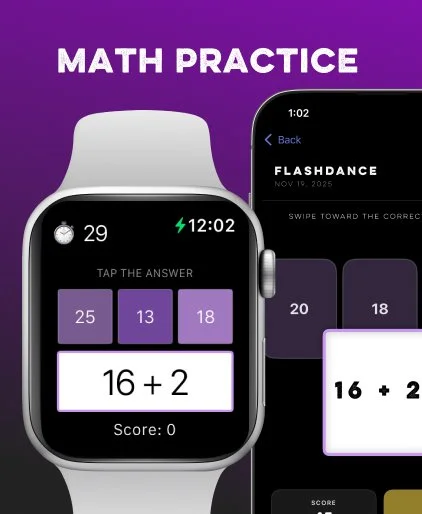
I love playing casual games and enjoyed a certain news site’s app until I decided to cancel and spend my money in other ways,
I needed a replacement, looked, found few—and none I loved. So I built my own. ☺︎
2.0 is available on the iOS App Store! Download, play, and subscribe so you can have infinite Anagram, Mastermind, and Math Flashcard games at your fingertips.
(New in 2.0) Apple Watch support!
Dear John
AI Poetry

Once upon a time I wrote a lot of code. Then I didn’t. Time passed. Here we are. I decided it was time to start building things again. I fired up AI, and built my Hello World app.
Dear John is a free, digital poetry experience created with help from “MARK” and made as a gift for a mentor.
advertisement
AI Experiments ▼
A major component of creative operations is workflow: finding that perfect balance between quality and efficiency, creativity and structure. AI is a boon to this space; but how it is used takes many forms, from ideation to speed.
There is no one-size-fits-all solution, so learning the strengths and weaknesses of each means I can make smart choices about how to best leverage AI in my work.
• ChatGPT may be decent at writing, but not at coding.
• Claude is good at coding, but so is Cursor. Cursor is good at Planning, Claude less so. Claude is better at untangling messes. I use them for different reasons.
• Google AppSheet and Loveable can build apps nearly instantly. Hook up to Google APIs and a backend Sheet for data storage with a few button clicks. Boom. Nearly anyone can build a functional app thanks to AI… like a low/no code creative team who needs a lightweight review and approval system, fast.
• Figma Make (and Sites) can create designs, prototypes, and web apps, and takes Design feedback well. Squarespace (and Loveable, and any web development shop) should be nervous.
n this great AI arms race, it’s a user’s market. The possibilities are endless. As I experiment, I will share it here. For starters, here are two simple web apps I made with Figma Make.
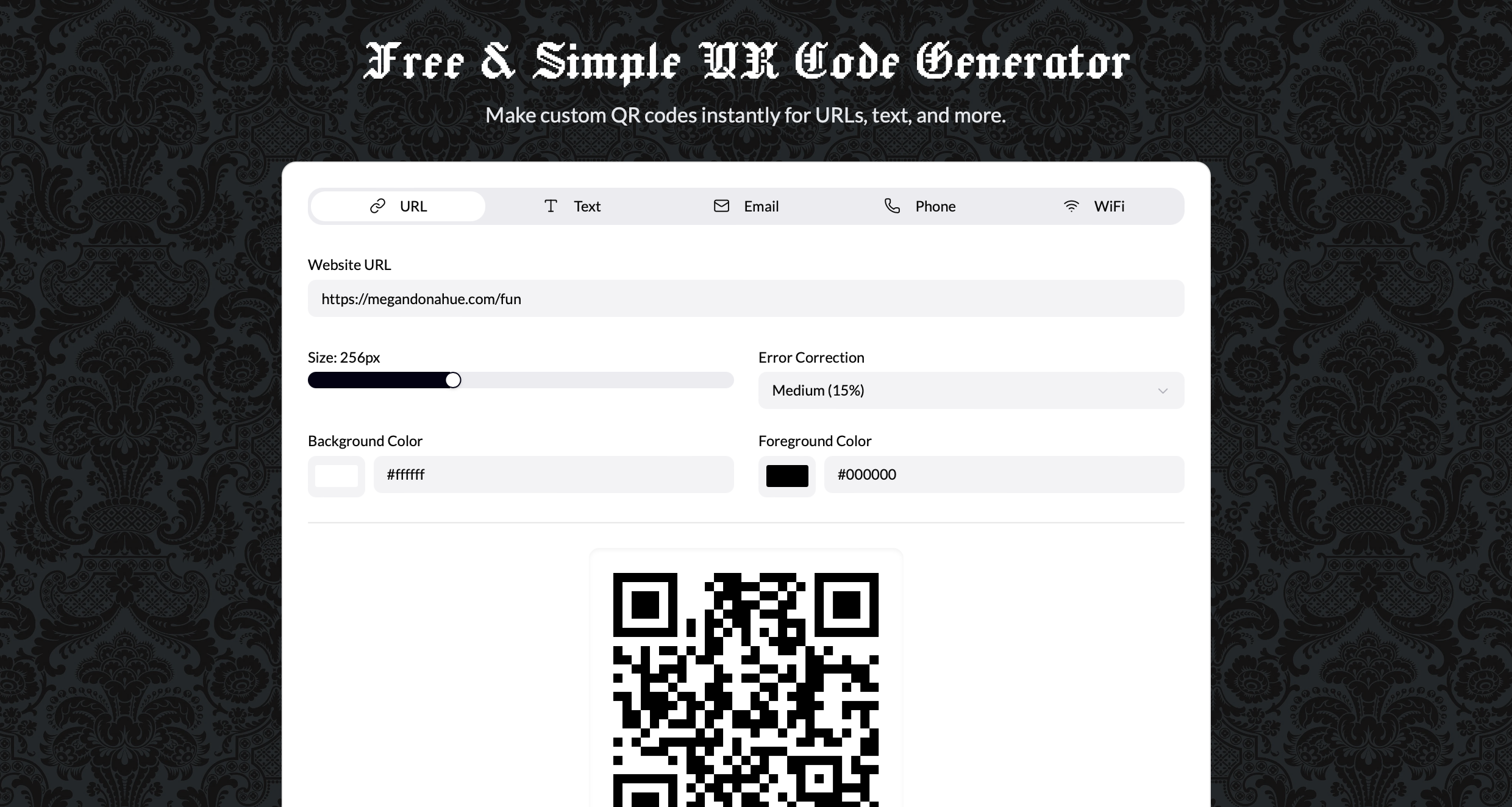
I whipped this up using Figma Make because occasionally I need a QR code for a project. I dislike that most QR Code web sites ask for an email address or charge for such a basic feature, so created my own. Feel free to use it, whenever you need. I don’t collect emails or charge anything.
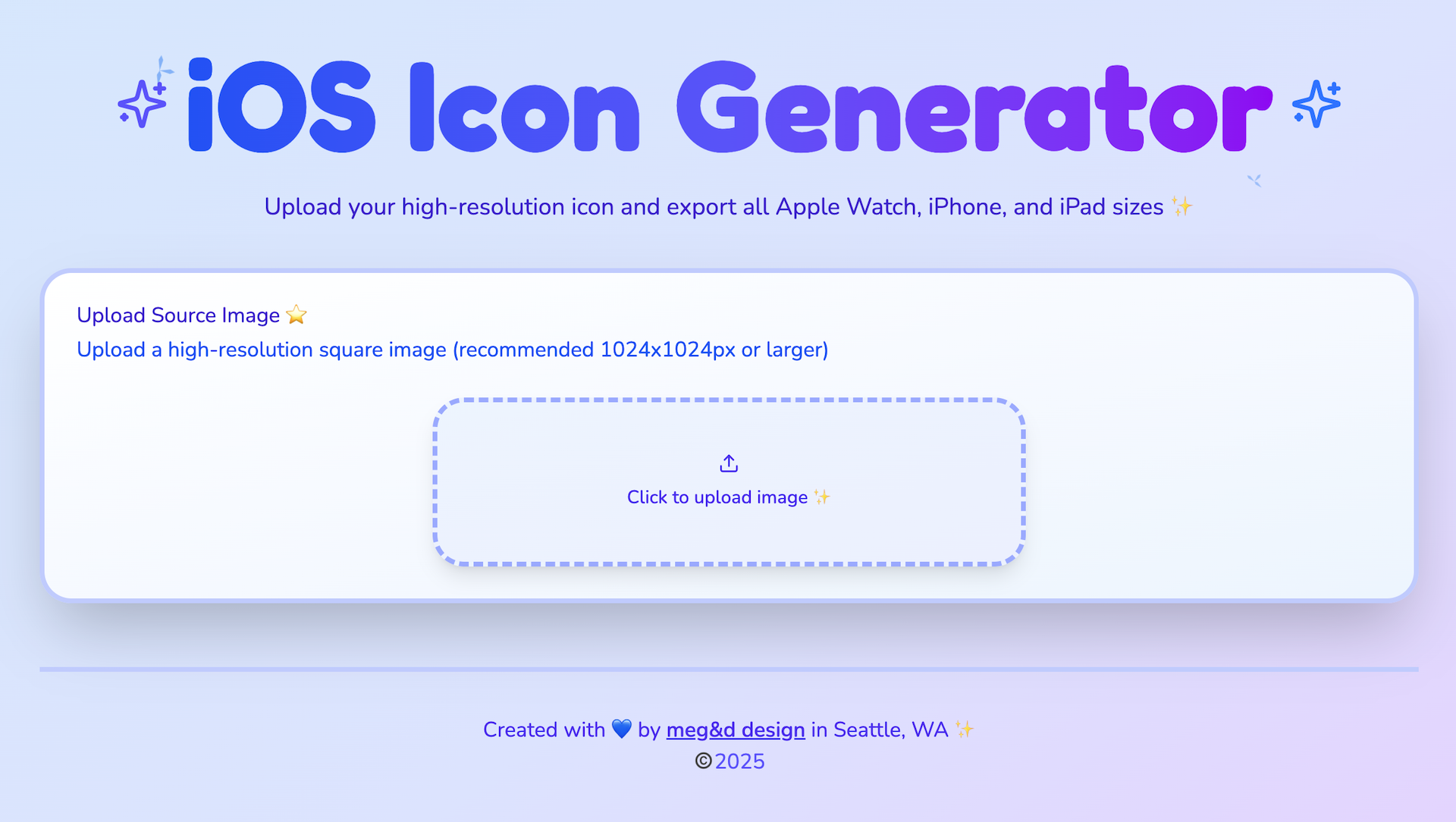
At one point, I needed a variety of app icon size for my iOS builds and felt it was annoyingly tedious to generate these by hand, even with the batching help of modern design tools. So, I made this in a flash using Figma Make. All you do is add an image and immediately it creates every other size you need, for iPhone, Watch, or iPad.
advertisement
advertisement